Posted by Filippo Baldi
As iPhone 6 also Android smartphones have hidden functions. We see all 5 tricks to make the best use models Samsung Galaxy S6, S5, S4, Galaxy Note 4 and Note 3
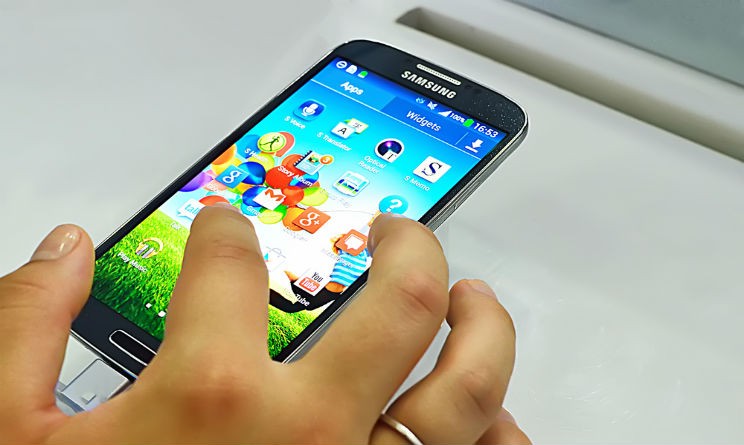
Nowadays every smartphone is so complex as to have functions that often escape the sight of less attentive . Today we present the 5 hidden features that are found in the settings of smartphones Samsung Galaxy S6 . Clearly being a general discussion of some of these features may be present on a model and fail in another .
1) Screenshot with a ‘caress’ ‘: is there an alternative way in Galaxy to take a screenshot, just pass a hand on the screen as if you wanted to pet him.
2) Easy Mode : in the settings under customization you can enter an easy mode that simplifies the interface to make use even for children and the elderly
3) Mode gloves : in the latest versions Galaxy exists the “touch sensitivity” and Galaxy S6 is default and then you can use the smartphone either with or without gloves.
4) Find my Samsung : setting very similar to that found on iPhone , to activate it just get on your Samsung account through the menu ‘security’ ‘.
5) Use the Galaxy as a remote control : few know that actually almost all the latest Samsung smartphone you can download from the Google Play app WatchOn and WatchOn Plus that allow you to use your smartphone as a remote control for the Smart TV more modern.
Click here to the hidden features of the iPhone 6
Photo: Shutterstock


No comments:
Post a Comment